Conversational Forms with AI

JS Widgets AI Agents Discord Integrations
Autonomous Robot Navigation

A lightweight JS widget that transforms static forms into dynamic, AI-driven conversations—handled entirely through a Discord bot powered by Mistral. Designed for smoother user onboarding, surveys, and interactive workflows.

Project Overview

Ever had to help a family through frustrating form validation? We developed a tool that turns any standard survey into a conversation with an AI agent, who helps guide a user through validation and standardizes user input. Can integrate into any website through a dev portal that generates an embeddable JS widget.

Key Features

Technical Details

The system consists of three major components: a JavaScript widget generator, an AI-powered Discord bot, and a webhook-based response collector.

1. JS Widget Generator

Developers define survey questions through a simple web interface—either in natural language or in a structured format. These inputs are used to generate a JS widget that can be pasted into any website source code.

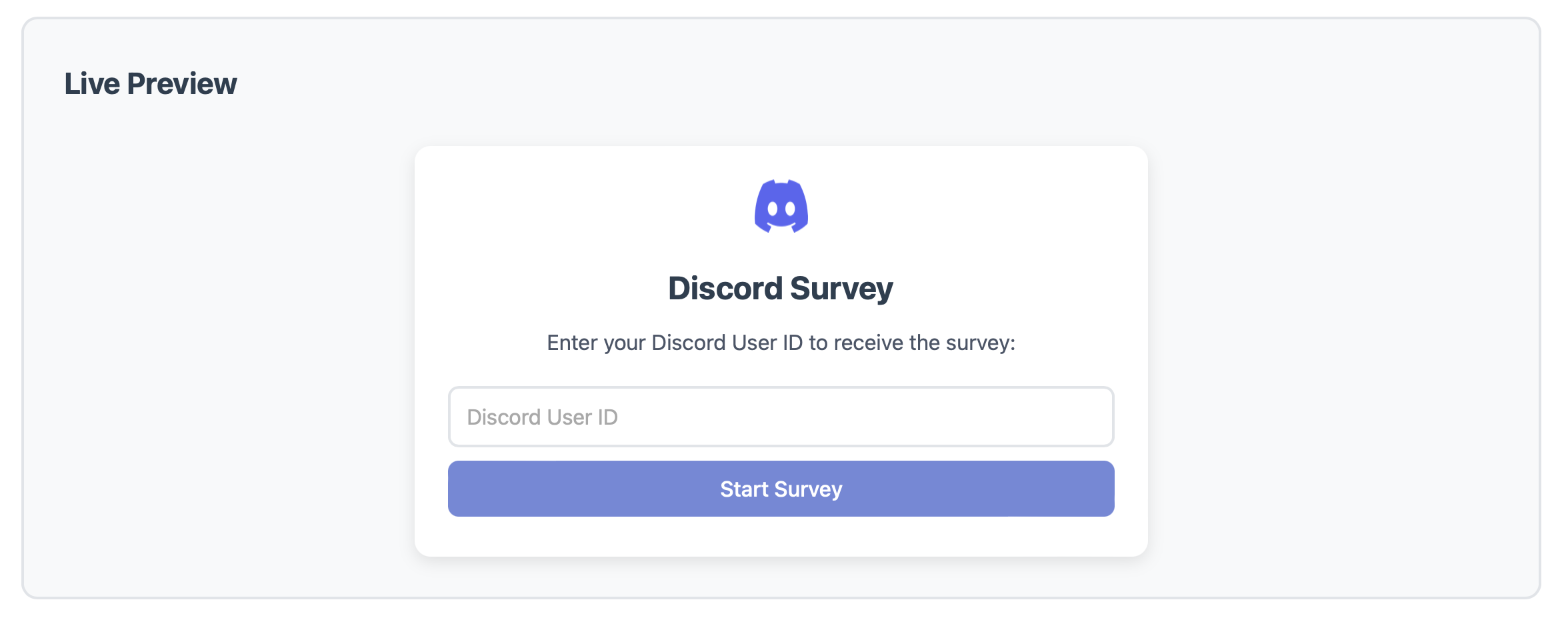
When embedded on a developer's site, the widget prompts users to enter their Discord username. Upon submission, a backend call is made to our API to initialize the Discord conversation.

JS Widget generation and embed flow

2. AI Discord Agent

Built using Discord.js and integrated with Mistral API, the AI agent converts each form question into a conversational prompt. It interprets free-text user responses, validates against expected formats, and provides real-time correction when necessary.

Mistral-powered Discord AI agent interface

The bot maintains context across a conversation and provides a smooth, human-like experience using prompt engineering and function-calling for structured data extraction.

Mistral-powered Discord AI agent interface

3. Response Delivery via Webhooks

Once a user completes the conversation, the structured results are posted as JSON to a developer-defined webhook. Each response payload includes metadata like the user's Discord ID, timestamp, and the validated answers.

This makes it simple for devs to plug the results into any database, spreadsheet, or automation pipeline.

Technologies Used

Back to Projects